

Understand your systems before the project begins.

Practical guides for clients, designers and facility teams. Define the task, compare proposals and prepare for a clear handover.

BMS illustration showing an engineer checking building equipment and an automation panel
System illustration · Secuart
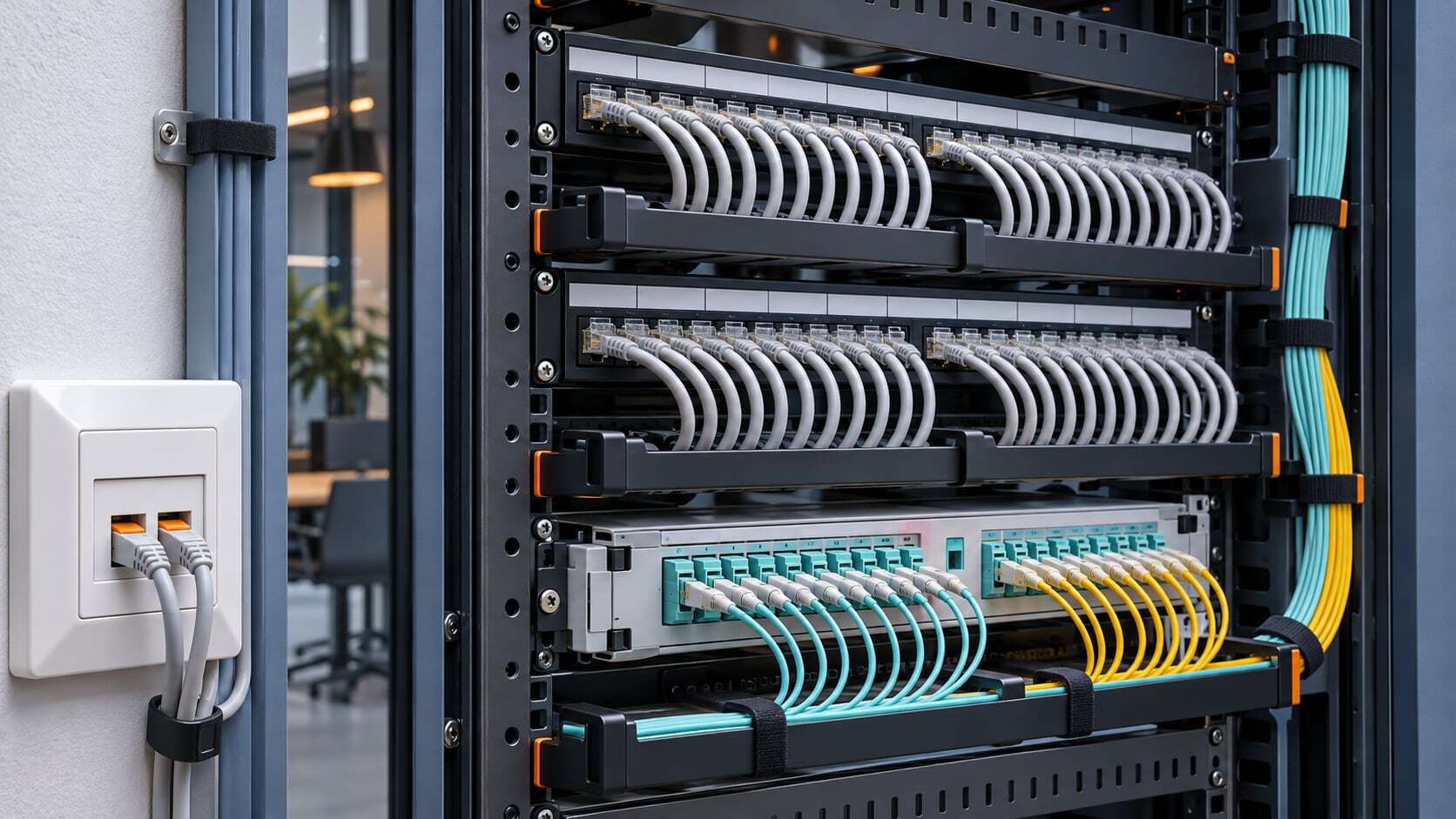
Structured cabling illustration showing patch panels, copper and fibre connections
System illustration

Practical guide · 2 min read

What to prepare for a low-current systems estimate

Clear starting information makes contractor proposals easier to compare and reduces omissions in the estimate.

Read the guide

The site and its constraints

Share floor plans, room uses, construction stage and city. Note access restrictions, deadlines and existing systems that need to remain in use.

Tasks before device lists

Describe what needs to be monitored or managed: entrances, circulation routes, outdoor areas, workstations or building equipment. Identify the users and the events that require a response.

Infrastructure and interfaces

Gather information about cable routes, server rooms, power and the network. List interactions between systems separately, such as displaying an access event in the VMS or sending equipment status to the BMS.

A clear proposal scope

Ask for design, equipment, licences, installation, configuration, testing and maintenance to be shown separately. Agree who provides the network, power and site readiness.

The result: drawings, objectives, system scope, constraints and expected acceptance outcomes. This is a useful basis for an initial technical discussion.

Related services

Illustration of an outdoor CCTV camera at a commercial building entrance
System illustration

Practical guide · 2 min read

Choosing CCTV: start with the scenario, not the megapixels

First decide what event the camera must show and how an operator will use the recording. Then select the equipment.

Read the guide

The task and the scene

An area overview, an entrance view and a detailed image require different viewpoints. A survey considers lighting, movement, distances, mounting positions and obstructions.

Storage and the network

Define retention time, recording mode and archive access. Capacity depends on factors including bitrate, camera count and recording duration. For PoE cameras, check the switch power budget as well as the number of ports.

Cameras, VMS and compatibility

Compare specific models and versions. Check ONVIF support in the official database for the device and profile; verify the required analytics and events separately in the chosen VMS.

Test on site

Agree a test before making the final selection: daytime and night-time scenes, archive search, recording export and operator roles. Check licences, updates and maintenance availability.

The result: selection criteria that can be tested in a real scene. The equipment brand becomes part of the solution, rather than a substitute for the brief.

Documentation


Related services

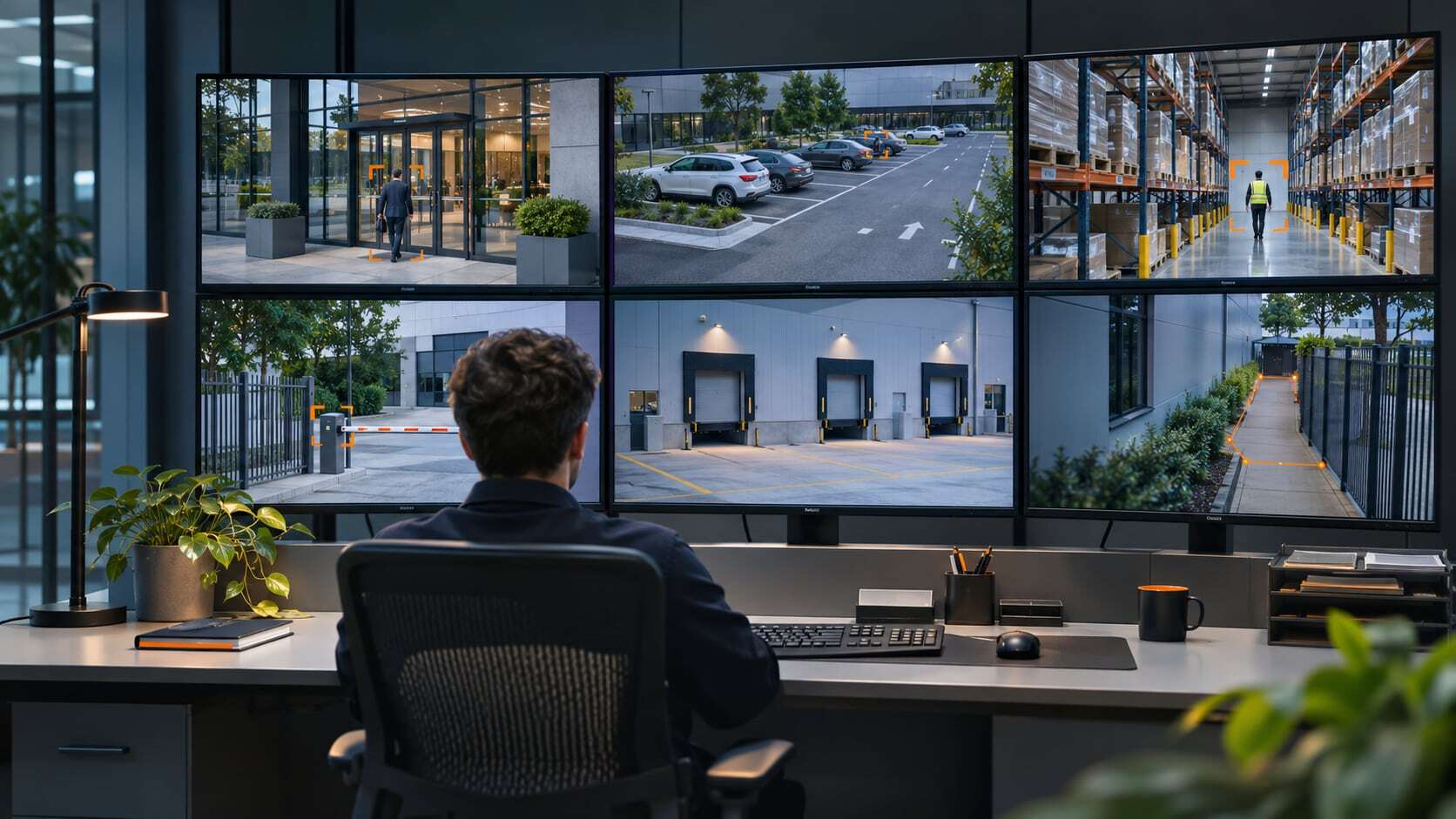
Illustration of a VMS operator workstation with a CCTV monitoring video wall
System illustration

Practical guide · 2 min read

What to check when a system is handed over

Acceptance should help staff operate the system confidently and understand what to do when something goes wrong.

Read the guide

Documentation and scope

Compare installed equipment with the agreed scope. Obtain current drawings, labelling, address lists and instructions to the extent specified in the contract.

Scenarios and access rights

Walk through the agreed operating scenarios with the facility team. Check user permissions, event logs and notification delivery. Record the results and any outstanding issues.

Accounts and recovery

Transfer administrative access securely to responsible staff. Clarify how configurations are backed up, licences are stored and the system is restored after a failure.

Maintenance after handover

Assign responsibilities, a support channel and an agreed maintenance schedule. Fire-system checks are carried out by specialists in accordance with the design, manufacturer documentation and applicable requirements.

The result: the system, documentation, access credentials and a clear support process are handed over to an accountable team.

Related services

Planning a project for your facility?

Share the starting information — we can discuss system scope, delivery stages and the next step.

Discuss your project
Contact us
Leave your question or request a consultation, and we will contact you shortly.
8 778 358 23 04
info@secuart.kz
Astana, 4 Zhenis Avenue

Working Hours:
Mon–Sat: 09:00 AM – 06:00 PM
Sun: Closed
Made on
Tilda