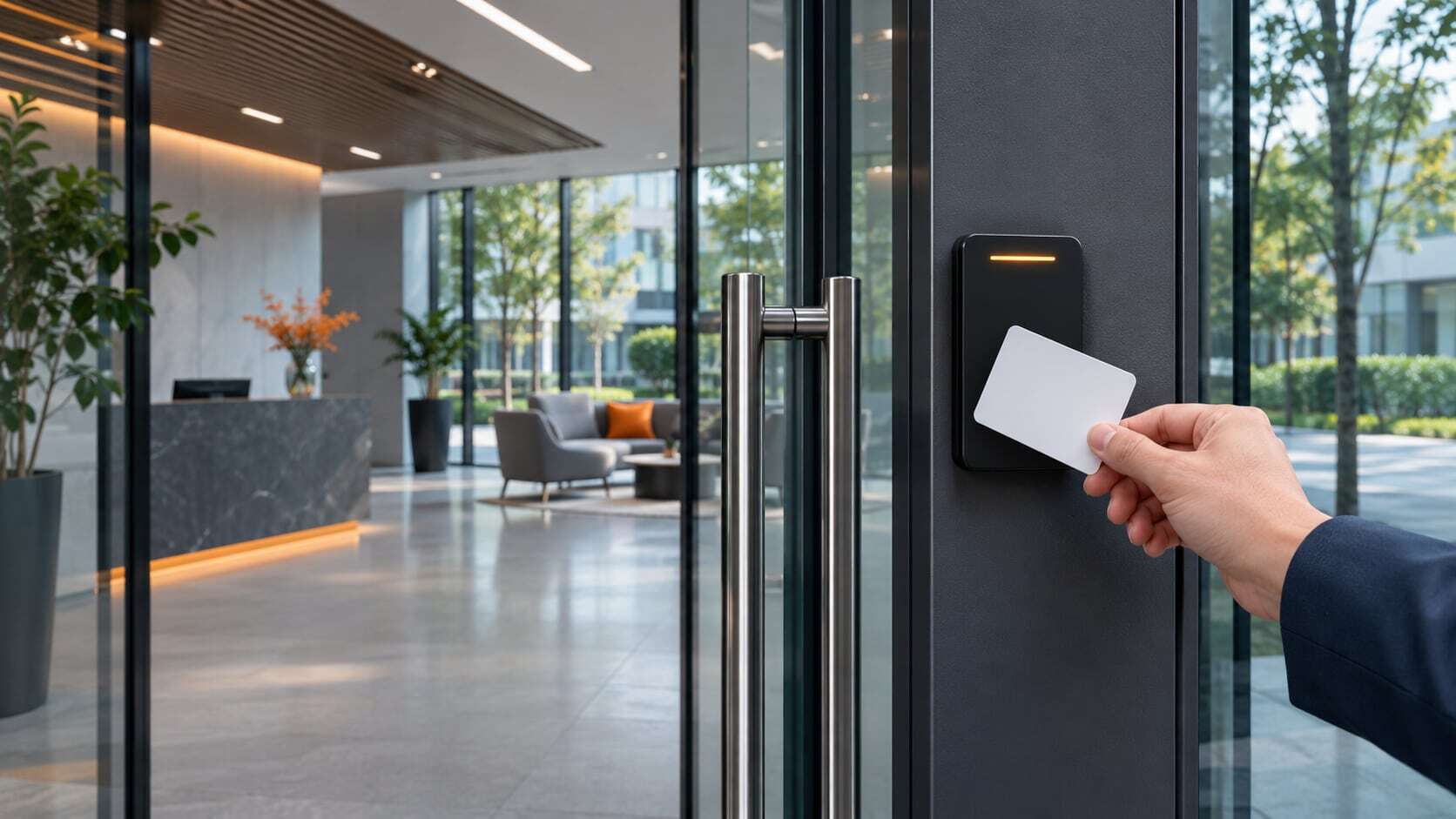
Lobby & tenants
Staff, visitors and contractors use different routes and permissions. Entrance events can be reviewed alongside video.

Concept images, not photographs of completed projects.
Offices, retail centres and mixed-use buildings bring together tenants, visitors and facilities teams. The solution accounts for separate permissions, shared areas and changing tenant arrangements.
Staff, visitors and contractors use different routes and permissions. Entrance events can be reviewed alongside video.
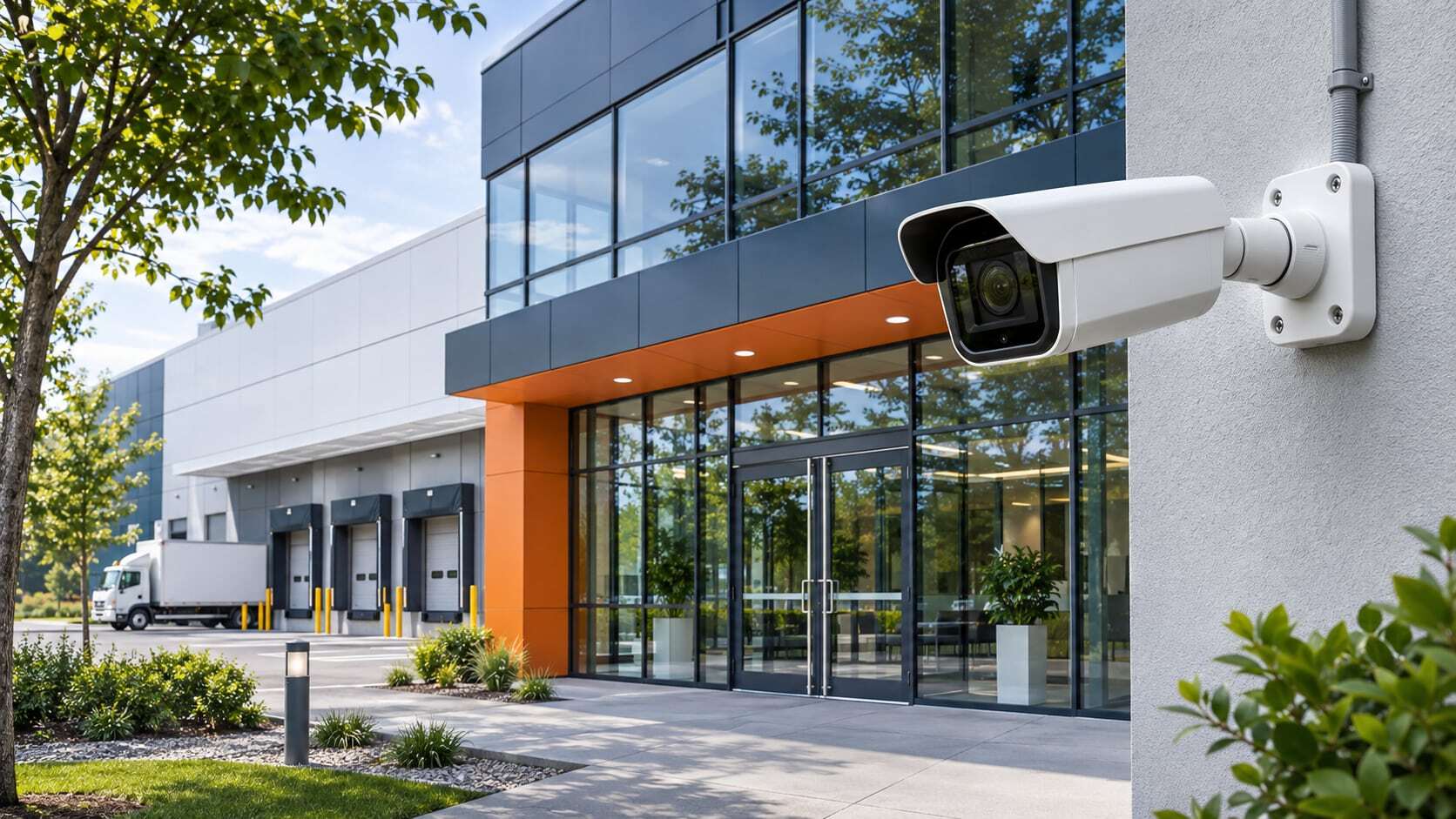
Coverage of vehicle entrances, lift lobbies and deliveries. Recording supports incident review and tenant enquiries.
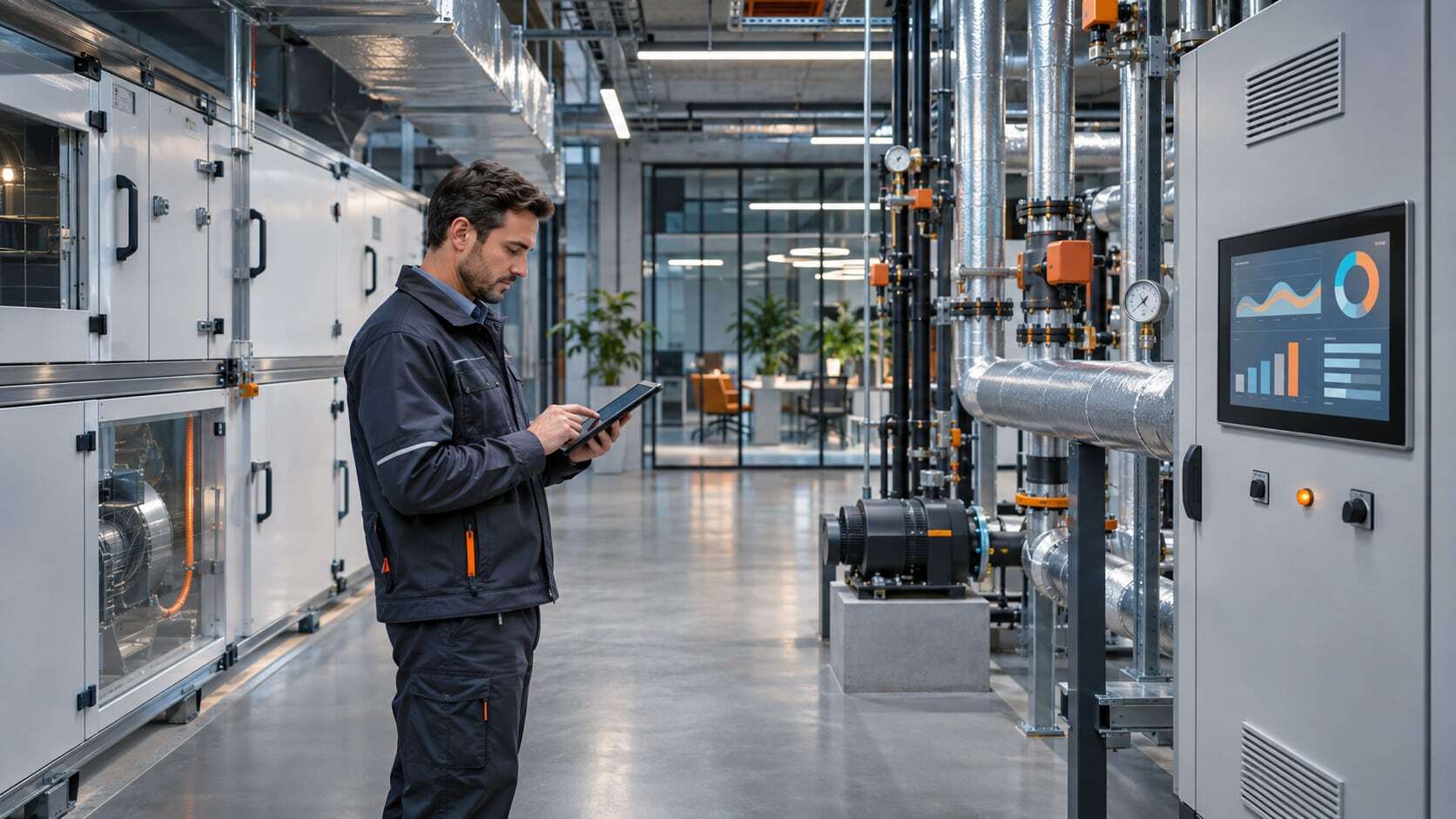
Equipment schedules, building alarms and network capacity for fit-outs and new workstations.
These are selection options, not a single ready-made package. Models, protocols, licences, availability and compatibility are checked during design.
Lobby, parking, loading and shared corridors: camera selection follows lighting, coverage and required detail.
Milestone provides central video management; Eluviant adds event search and analytics for selected shared areas.
Tenant separation, visitor permissions, working schedules and staff entrances with clearly assigned rights.
Detection zones for shared and leased spaces, with designed extensions when layouts change.
General paging, zoned messages and agreed fire scenarios with the required priorities.
HVAC, schedules, equipment status and available metering data; the platform follows the building-system scope.
Tenant and facilities networks, guest Wi-Fi, PoE and segmentation; Fortinet addresses network-security requirements.
Workstation cabling, floor distribution, backbones and spare capacity for fit-outs and new tenants.
For upgrades, we also assess installed Bosch and TruVision systems, checking models, support, recording and compatibility with the selected VMS.
Fire control and voice alarm follow the agreed design; VMS and BMS do not replace dedicated life-safety systems.
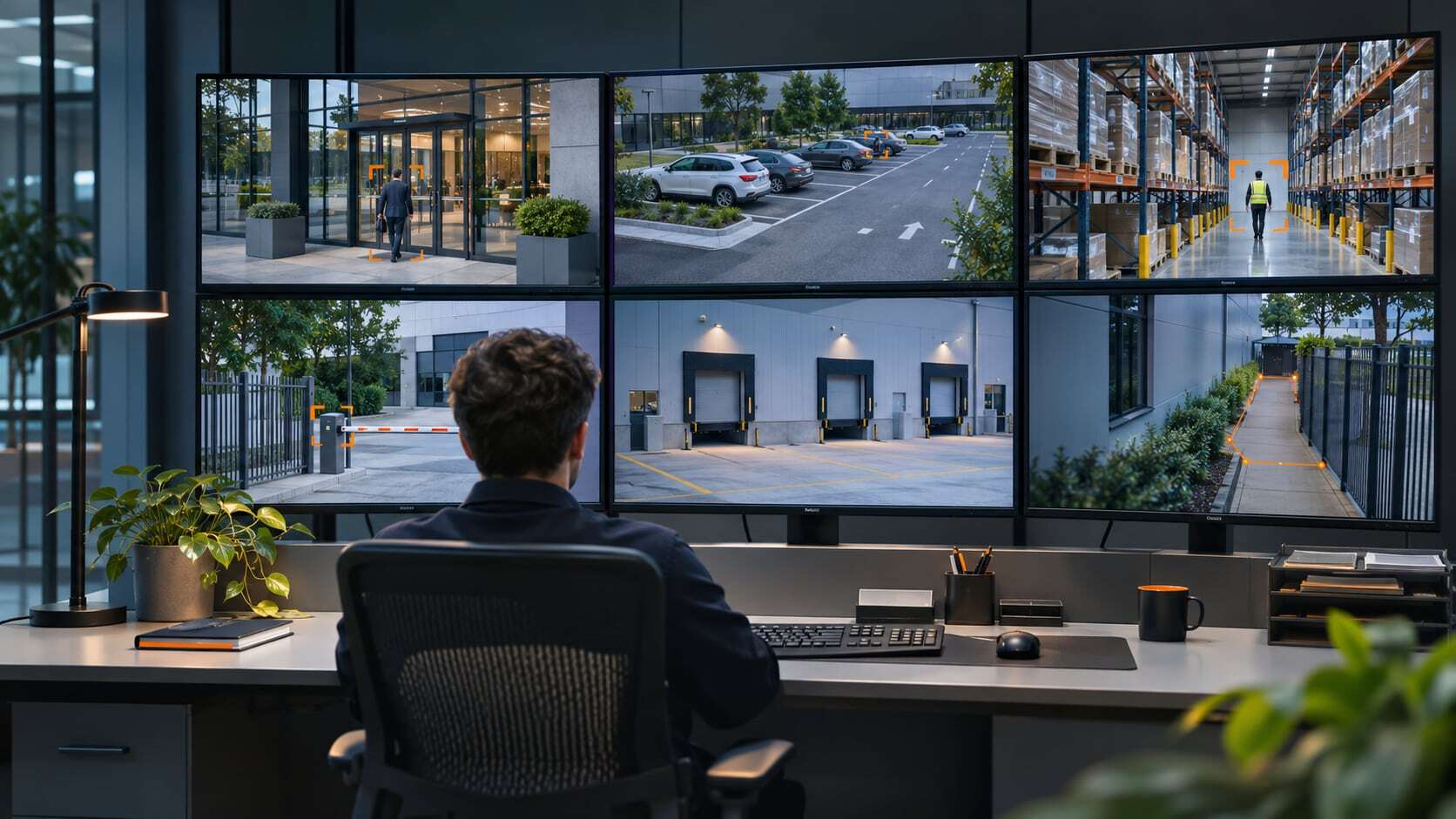
The responsible person defines the visit window and permitted areas.
Access control checks the assigned permissions and records the event.
With the interface configured, the operator reviews the corresponding camera.
Temporary permissions expire; the log remains available for review.
An example to agree during design. System interfaces and staff procedures are configured and tested for the specific facility.
We review priorities and existing systems, then define the solution scope and implementation stages.
Industry examples and platform capabilities; Secuart selects the solution for your facility.
